
3 min
Publishing & Version History
Publish changes and track your site's version history.
1
Drafts and publishing
redsunplatform.com
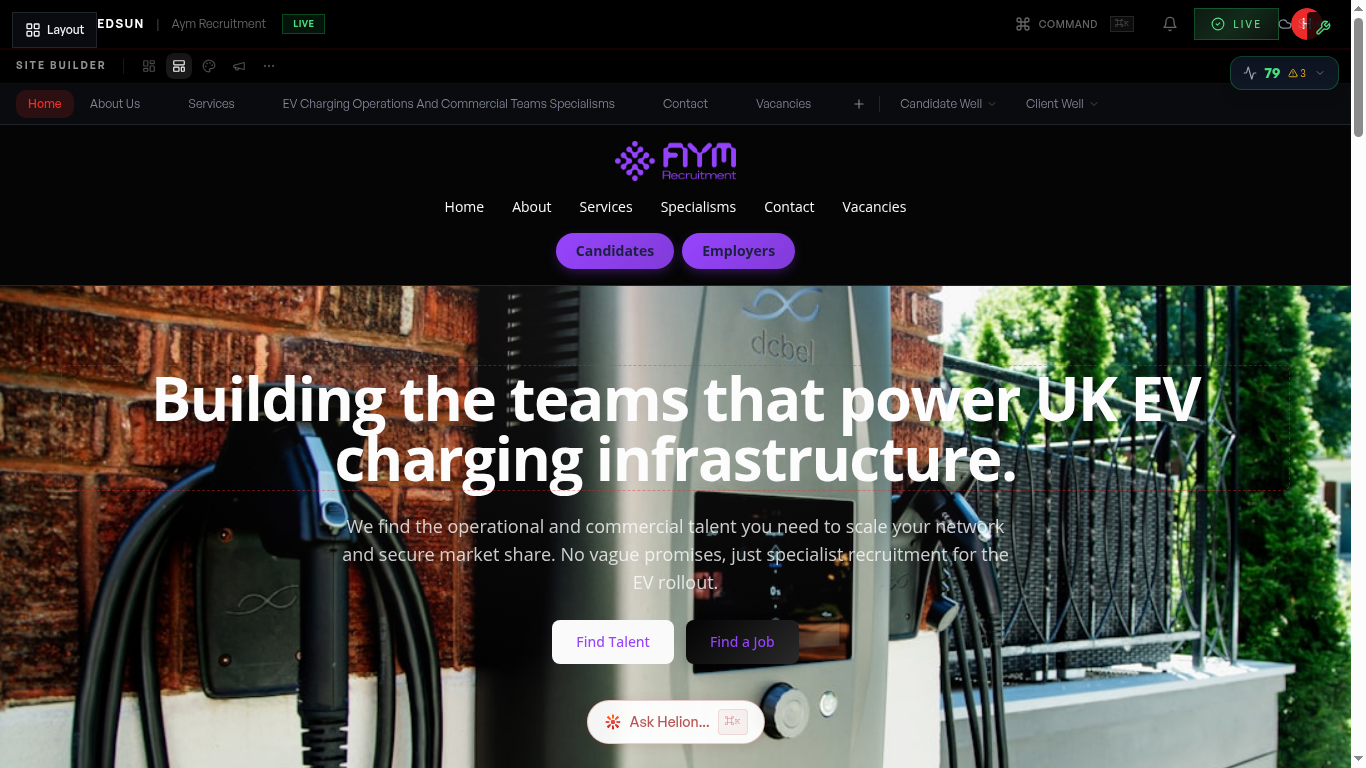
Edits in the site editor autosave to your draft — visitors never see work in progress. When you're ready, publish from the Site hub to push the draft live.
2
Version history
Each publish creates a version snapshot, so there's always a restore point if you need one.
3
Check before you publish
Use 'View site' to review the live site, and give changed pages a quick look on mobile — your theme is responsive by design, but copy length can read differently on small screens.
Guide complete
You've covered all 3 steps. Check out the related guides below.
Still need help?
Our support team is here to assist you.