
3 min
Managing Navigation
Control how visitors navigate between pages on your site.
1
Navigation is automatic
redsunplatform.com
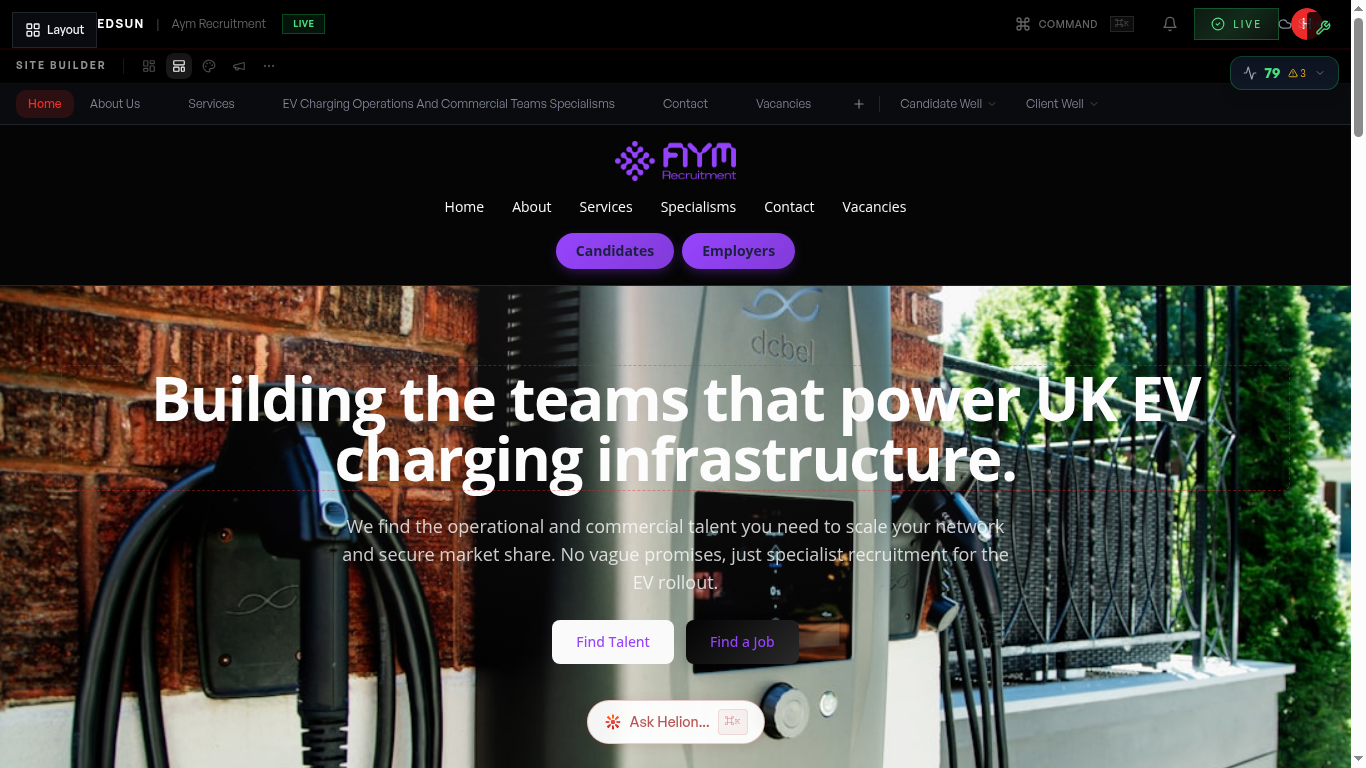
Your site's navigation is defined by your theme and populated from your pages: the core pages plus your sectors and services. When you add a specialism in the **Brand** hub → **Dimensions** tab, its page and navigation entry appear automatically.
Brand dimensions2
Dropdown grouping
Sector and service pages group under their parent navigation items (e.g. a 'Sectors' dropdown) automatically — no manual menu building.
3
Mobile navigation
On mobile, navigation converts to your theme's menu automatically, with sector and service entries indented under their parents.
Guide complete
You've covered all 3 steps. Check out the related guides below.
Still need help?
Our support team is here to assist you.