
Images & Video
Swap any image or video on your site from the media picker.
Open the media picker
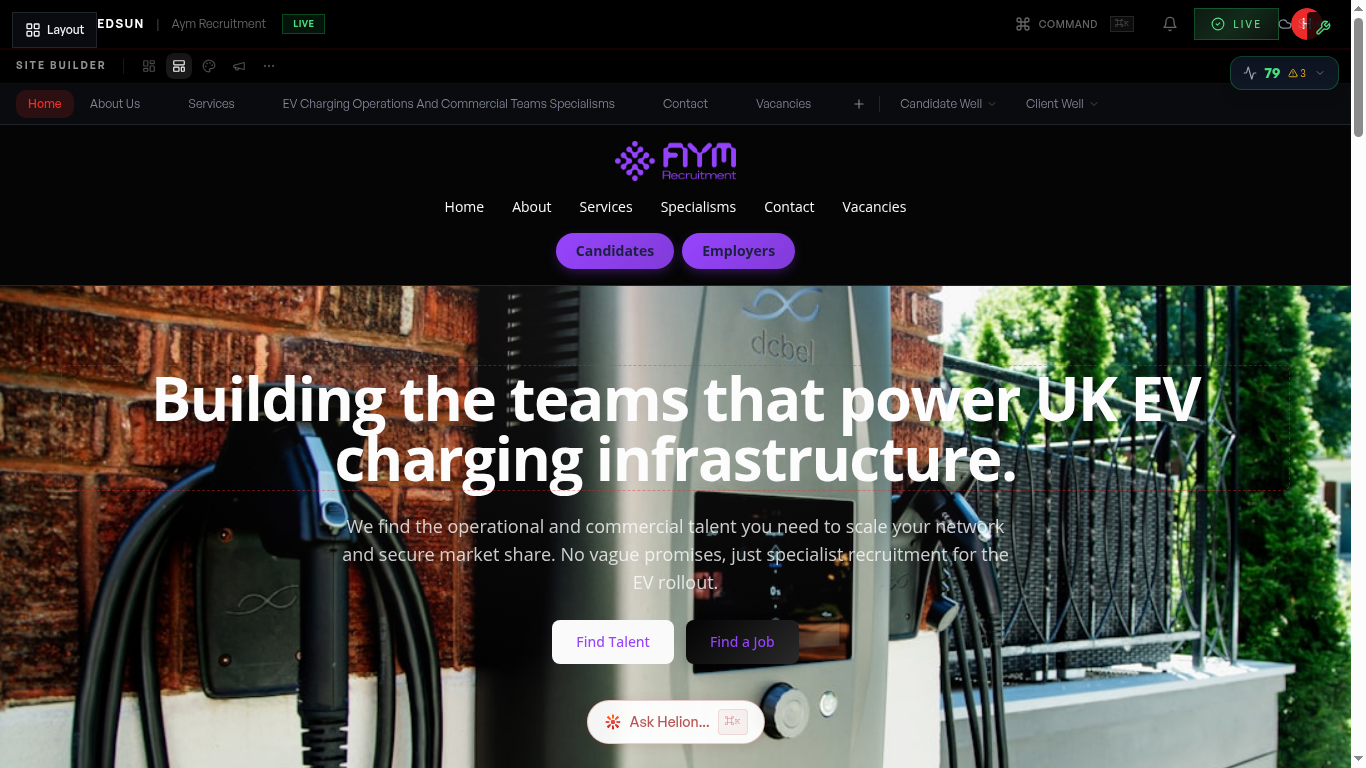
Select **Contents** in the editor toolbar and click any image or video slot — heroes, gallery tiles, section imagery. The media picker opens for that slot.
Pick from your library or stock
Three tabs: **Your library** (everything you've uploaded or already used on the site), **Stock photos**, and **Stock videos** — with a sector-relevant search pre-loaded so on-brand options surface immediately. Or upload your own files; images are optimised for web delivery automatically.
Real photography of your team and offices converts better than stock — upload it once and it stays in Your library.
Video slots
Video slots play silently on a loop with a poster image shown while loading. Pick a stock video or upload your own.
Keep text legible with overlays
Apply an overlay to any image or video — ink for a neutral darkening, or your brand/accent colour — each at light, medium, or dark intensity. Overlays keep headlines readable over busy imagery without editing the image itself.
Guide complete
You've covered all 4 steps. Check out the related guides below.
Still need help?
Our support team is here to assist you.