
Editing Header & Footer
Customise your site's header navigation and footer content.
How the header works
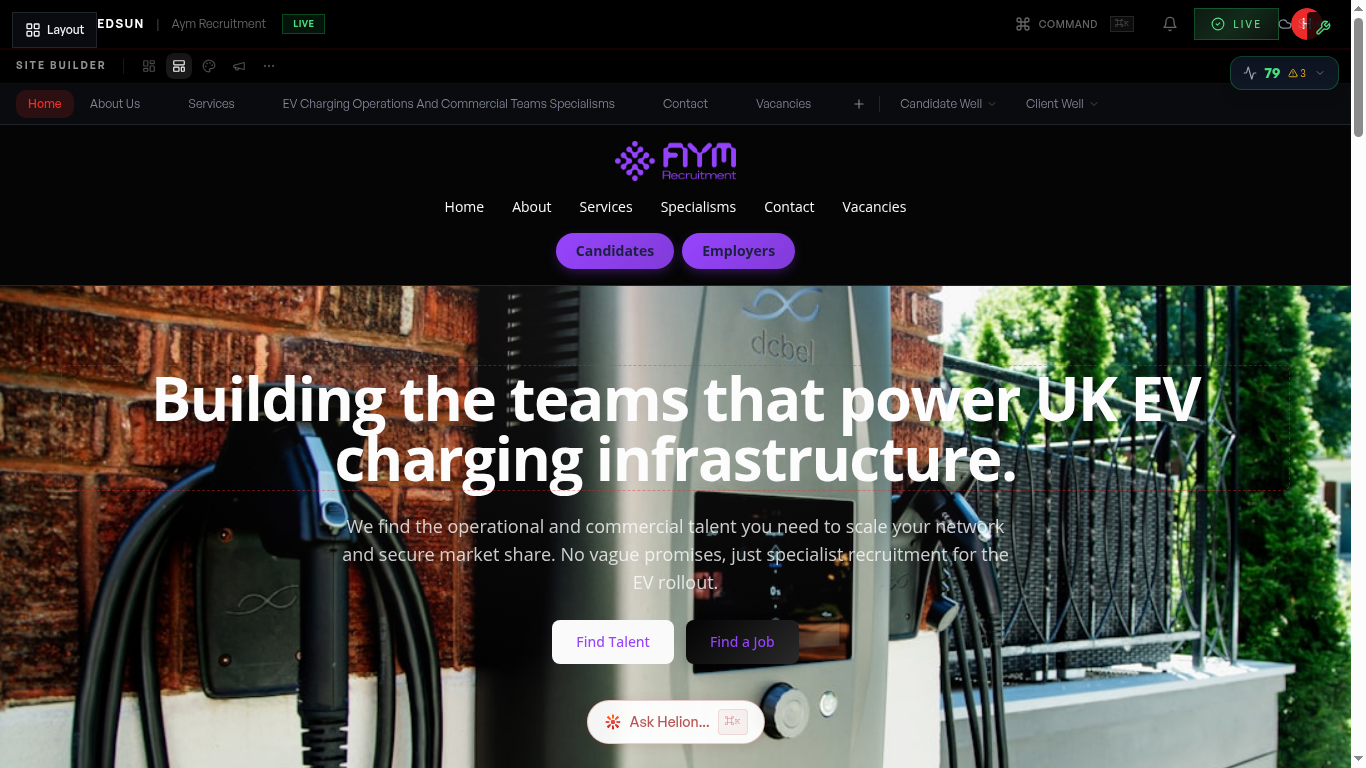
Your theme designs the header as part of the site — logo, navigation, and call-to-action buttons are all placed and styled for you. Navigation entries follow your pages automatically, including dropdowns for sectors and services.
Your logo
The header shows the logo from the **Brand** hub → **Visuals** tab. Update it there and every page follows.
Brand visualsHeader buttons
Select **Layout** in the editor to change the header call-to-action buttons — their labels, destinations, and styles. These are typically your highest-traffic buttons, so make them count: 'Brief a role' and 'Submit CV' beat generic 'Contact us'.
The footer
The footer is designed by your theme and carries your company info, page links, and contact details, plus auto-generated legal links (privacy, cookies). Footer copy is editable inline under **Contents** like everything else.
Guide complete
You've covered all 4 steps. Check out the related guides below.
Still need help?
Our support team is here to assist you.