
Team Management
Invite team members, assign roles, and manage access.
Access team settings
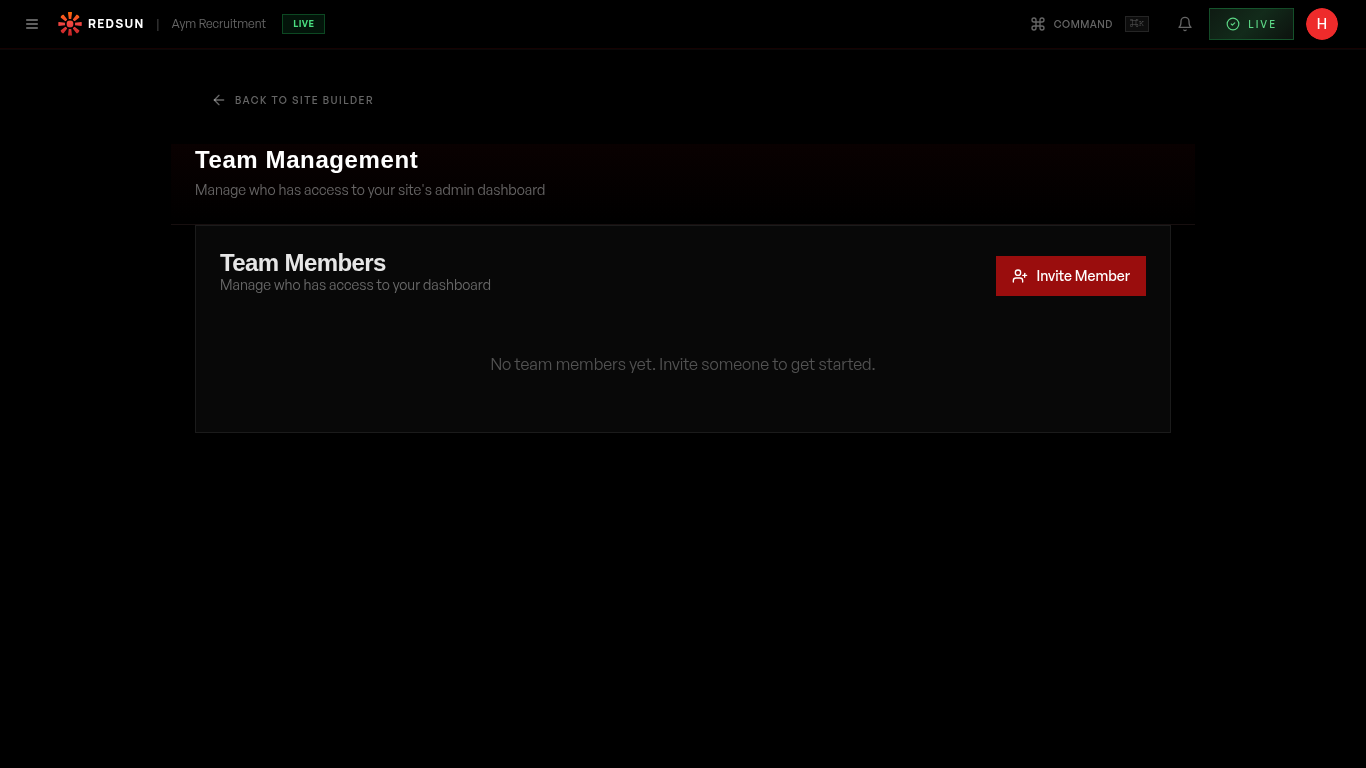
Go to **Settings** → **Team**. The page has three parts: **Team Members** with your seat count, **Pending Invitations**, and **Consultants** — the people who get tracked links and weekly market reports.
Team settingsInvite a team member
Click 'Invite' and enter their email address. They'll receive an invitation to join your Redsun account. You can set their role during invitation.
Assign roles
Roles control what each team member can access: Admin (full access), Editor (site editing), and Viewer (read-only analytics). Assign appropriate roles based on responsibility.
Remove team members
Click the options menu on any team member to deactivate or remove their access. Their tracked links and attribution data are preserved.
Guide complete
You've covered all 4 steps. Check out the related guides below.
Still need help?
Our support team is here to assist you.