
2 min
Account Settings
Update your profile, email, and password.
1
Access account settings
redsunplatform.com
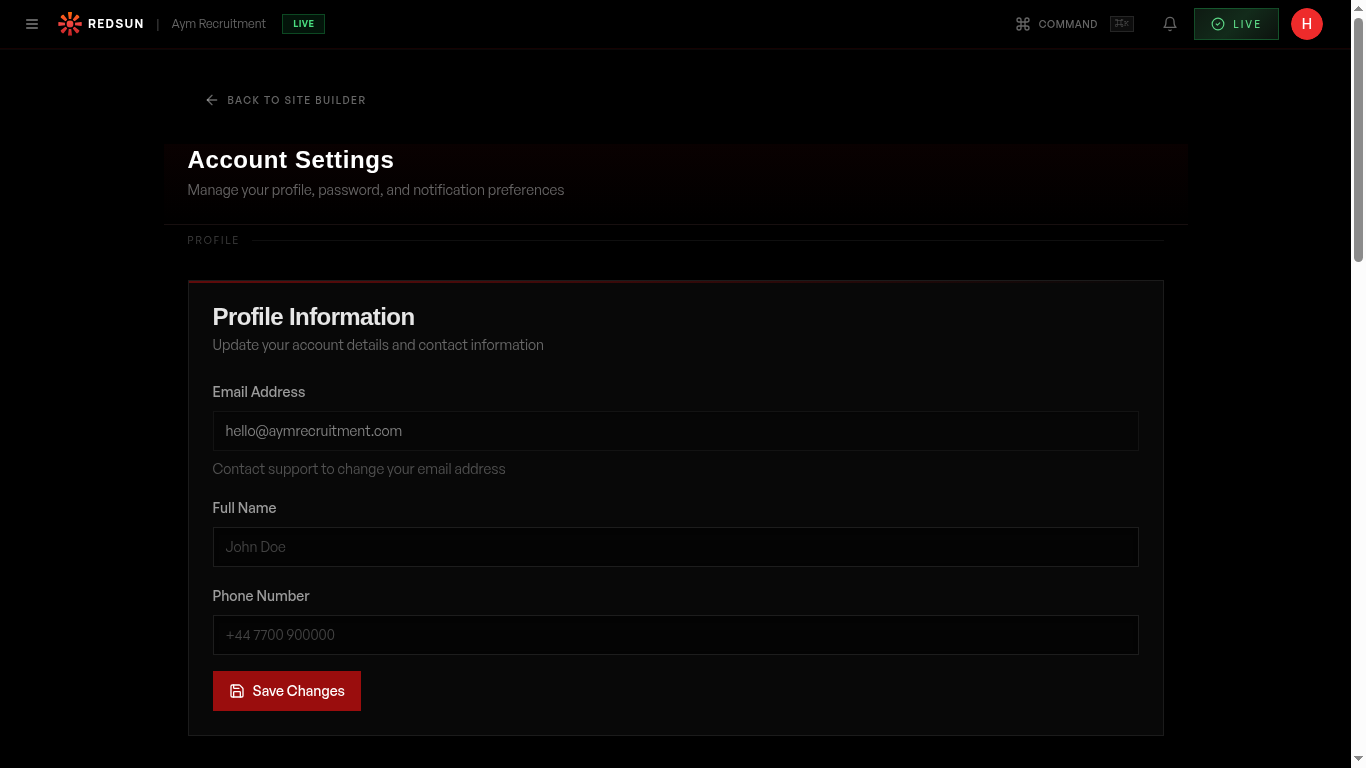
Go to **Settings** → **Account**, or open the account menu at the top right of the admin masthead. The page holds **Profile Information**, **Change Password**, **Notification Preferences** and a **Danger Zone**.
Account settings2
Update profile
redsunplatform.com
Change your display name, contact email, and profile information. These details appear in team management and support tickets.
3
Change password
redsunplatform.com
Update your password from the security section. You'll need to enter your current password and choose a new one meeting the minimum requirements.
Guide complete
You've covered all 3 steps. Check out the related guides below.
Still need help?
Our support team is here to assist you.