
Choosing Your Plan
Understand the differences between the Flare and Fusion tiers.
Review the two tiers
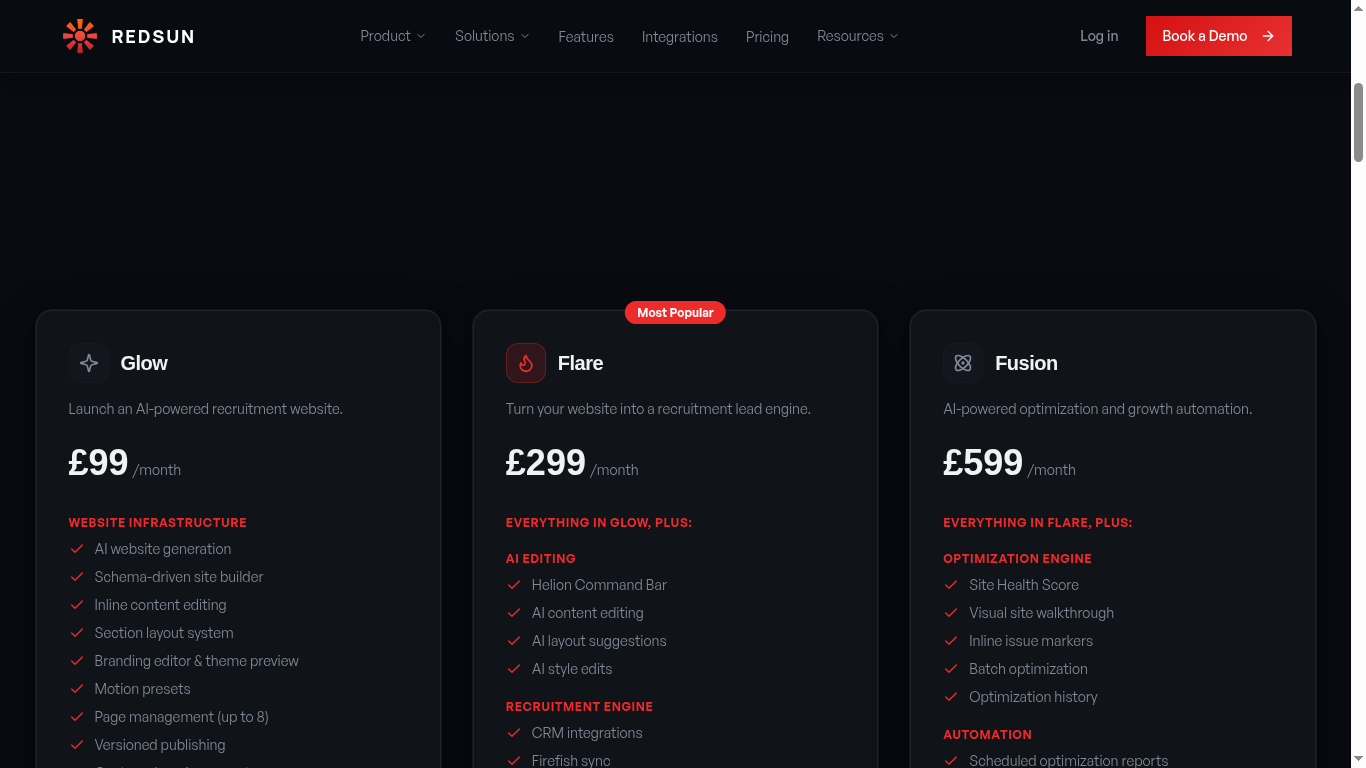
Redsun offers two plans: Flare (£299/mo — build, launch and run your recruitment website) and Fusion (£599/mo — everything in Flare plus the full marketing engine: AEO, visitor intelligence and automated optimisation). No build fee, cancel anytime.
Not sure which to start with? Begin with Flare and upgrade when you want the marketing engine — your site and data are preserved.
Flare — build and launch
AI website generation, the site editor, unlimited pages and versioned publishing, conversion wells, branding controls, SEO settings with AEO foundation schemas, bi-directional CRM sync, the job portal, and custom domain support. Everything you need to get a high-converting recruitment site live.
Flare is the most popular tier — it gets your site built, launched, and converting.
Fusion — the full marketing engine
Everything in Flare plus the optimization engine (site health score, one-click AI fixes), visitor intelligence with intent scoring and re-engagement alerts, weekly intelligence reports, CRM-synced live sections, the AEO scorecard, and the full analytics suite. For agencies running marketing as a system.
Pay when you publish
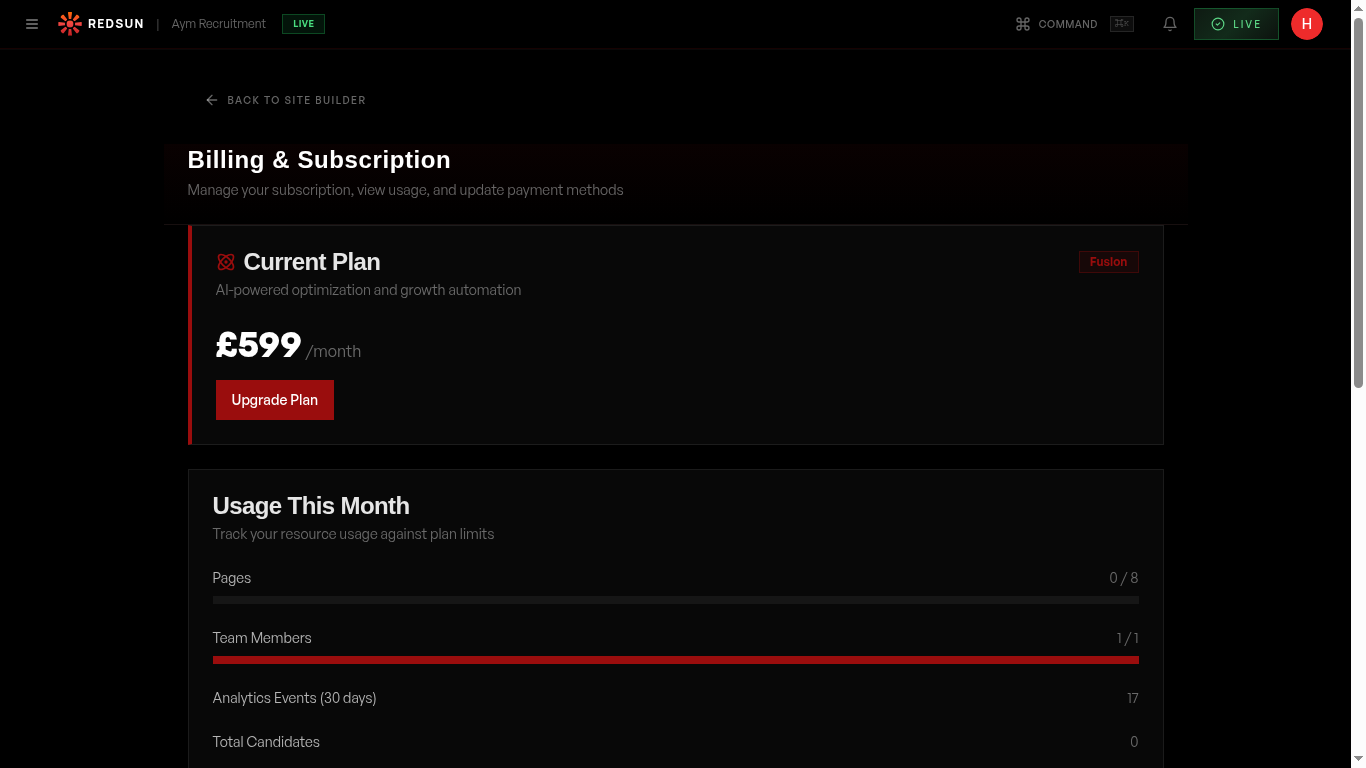
There's no plan step during onboarding. You sign up, build your site and review it for free; the first time you publish, Redsun takes you to checkout to pick Flare or Fusion. After that, Settings → Billing is where you change plan — up or down, at any time, with your site and data preserved.
Manage billingGuide complete
You've covered all 4 steps. Check out the related guides below.
Still need help?
Our support team is here to assist you.