
Help & Support
Create support tickets and get help from the Redsun team.
Access support
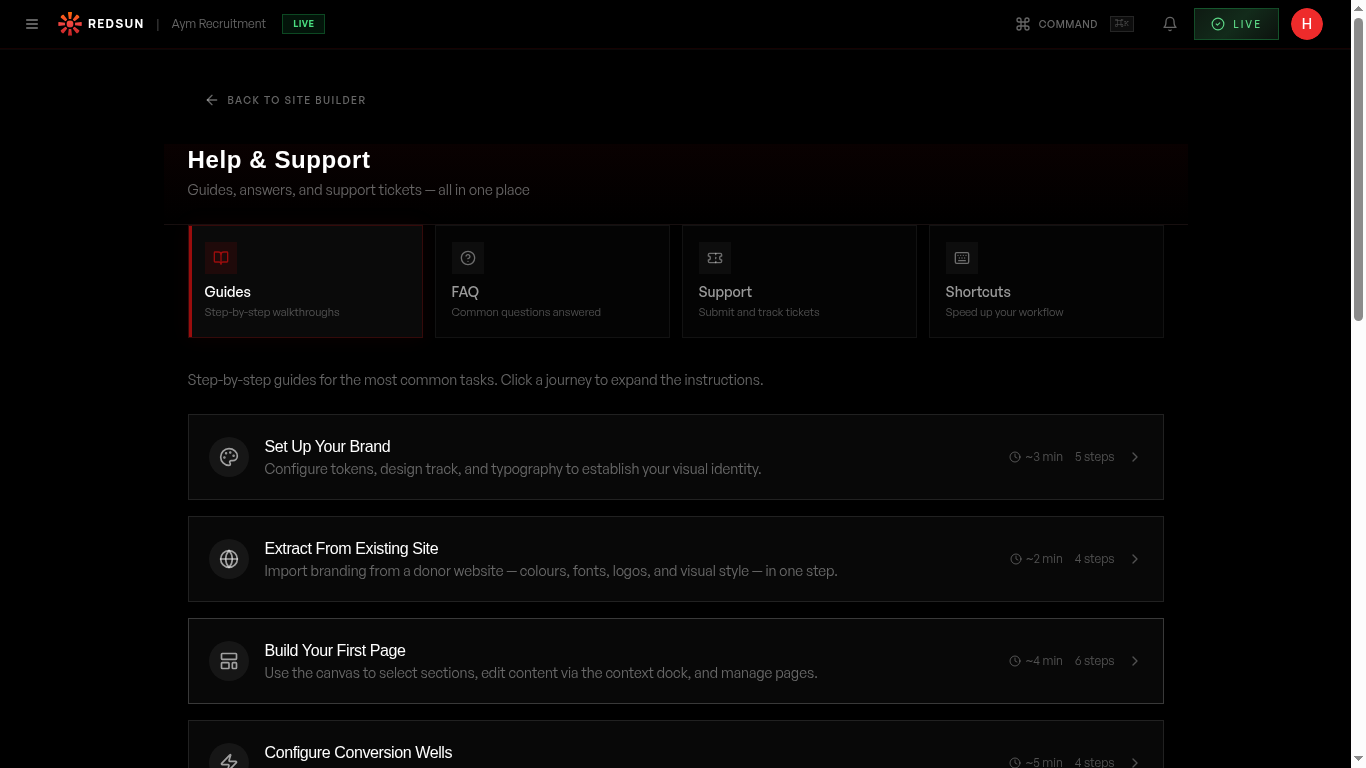
Click **Help** in the left-hand navigation. The hub has two columns: **How can we help?**, where you ask Helion, and **Quick answers**, a searchable FAQ.
Help & supportCreate a ticket
From **Quick answers**, use **Open a support ticket** and describe your issue. **All questions** opens the full FAQ list if you would rather check that first.
Track your ticket
Your open and resolved tickets are listed with their status and the reply history, so you can pick a thread back up rather than starting again.
AI assistant
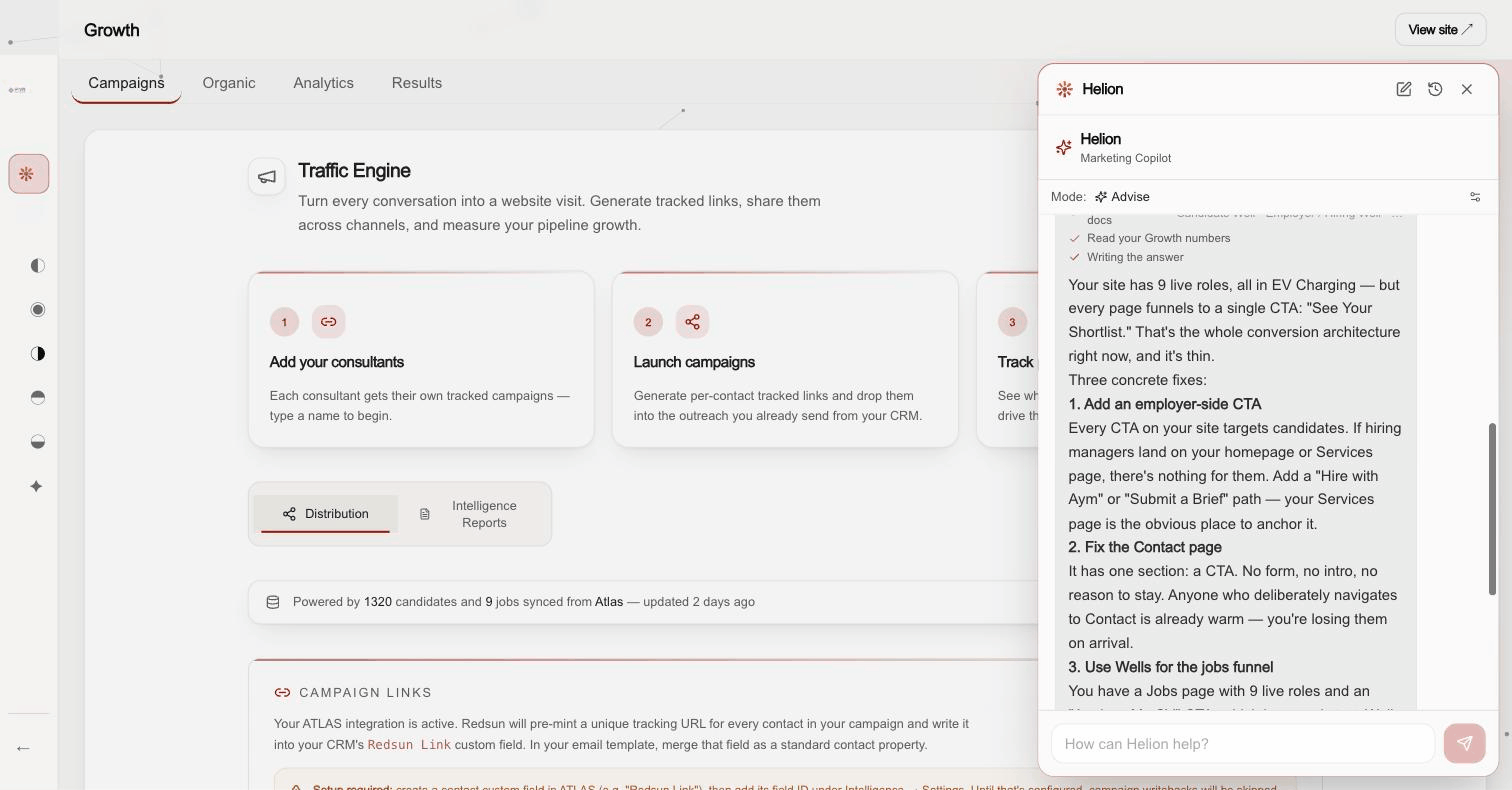
**Ask Helion** sits at the top of the left-hand navigation and opens over whatever page you are on. It reads your site and your numbers, walks you through features, and handles most questions faster than a ticket.
Guide complete
You've covered all 4 steps. Check out the related guides below.
Still need help?
Our support team is here to assist you.