
Flare+4 min
Employer Lead Management
Track employer enquiries and hiring positions from your site.
1
Open the Clients tab
redsunplatform.com
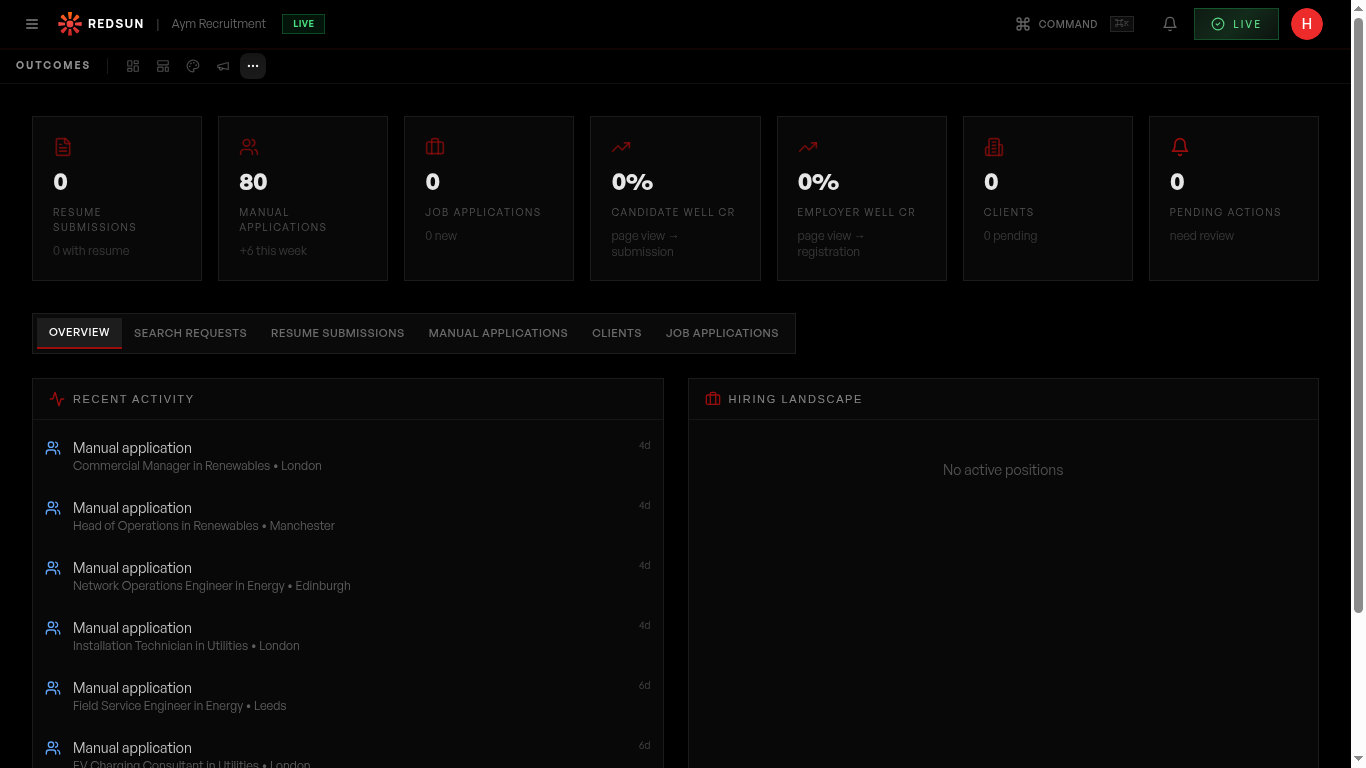
Go to **Growth** → **Results** → **Clients**. It lists employer enquiries from your employer journey.
2
Lead details
redsunplatform.com
Each employer lead includes: contact name, company, role they're hiring for, and the AI-generated insights that were delivered to them.
3
Hiring positions
redsunplatform.com
Track associated hiring positions: role, location, priority, salary range, and status. This gives you a pipeline view of potential business.
4
Follow up
redsunplatform.com
Use the lead data to personalise your follow-up. Reference the specific role and insights they received for a relevant, warm conversation.
Guide complete
You've covered all 4 steps. Check out the related guides below.
Still need help?
Our support team is here to assist you.