
Candidate Well
A conversion funnel where candidates upload their CV and receive AI-powered career insights — all on one page.
Turn it on
Go to **Settings** → **Features** and switch on **Candidate Conversion Well**. That single switch controls both the feature flag and the well pages on your site — there's no second toggle to find.
The navigation label your visitors see is editable on the page itself, in the Site hub under Contents.
Landing page
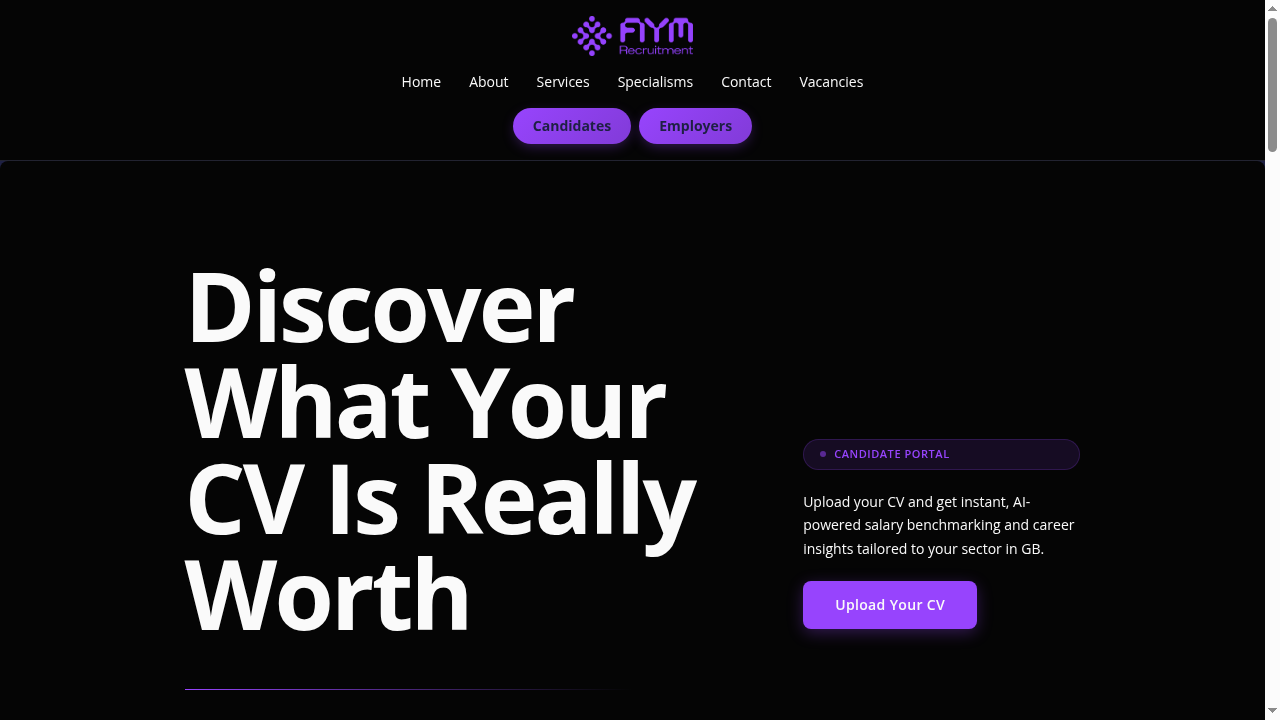
The candidate journey's landing page is built from sections you can reorder, hide or add to, the same as any other page: • **Landing Hero** — headline, call-to-action button and badge • **Tease & Hook** — preview cards showing what candidates will receive • **Sample Result** — a blurred sample with an unlock prompt • **Trust Signals** — reassurance badges • **Conversion CTA** — a secondary prompt further down All copy is inline-editable in the site editor under **Contents**, and the styling follows your theme.
The candidate journey
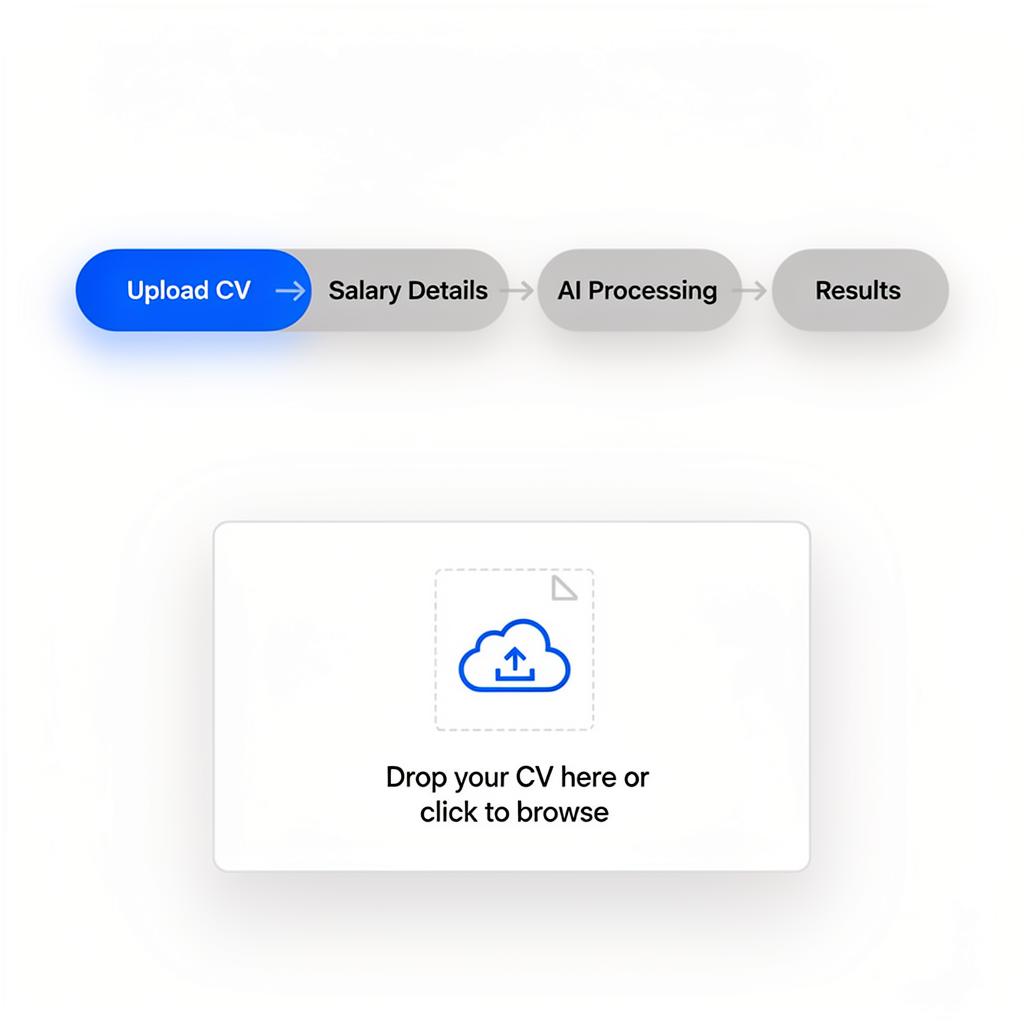
Everything happens on one page — candidates never navigate away: 1. **Upload CV** → Role, industry, and experience extracted automatically 2. **Salary details** → Optional current/target salary (can skip) 3. **AI processing** → Animated indicator while analysis runs 4. **Results** → Full insights rendered inline If analysis fails, the candidate returns to the upload step with an error message. No broken pages.
Session state is preserved throughout — scroll position, form inputs, and analytics tracking all stay intact.
Results sections
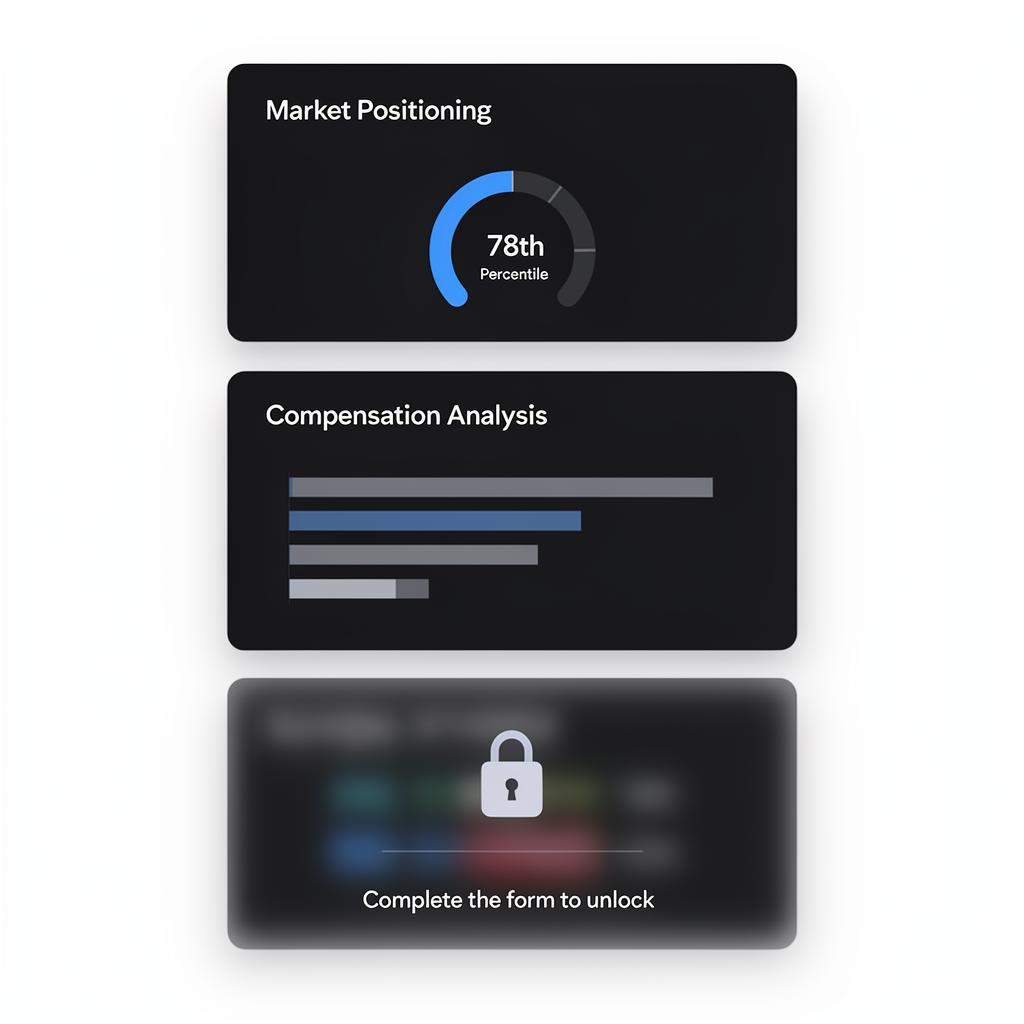
Results are modular — each section shows a specific insight. The twelve candidate sections are: **AI-drafted from the CV and market data:** Market Position, Career Path, Salary Leverage, Risk Signals, Market Demand, Matched Roles **CRM-powered (need matching records in your data):** Peer Comparison, Skill Trends, Location Demand, Move Timing, Seniority Map, Sector Health You reorder, hide and restyle these on the page itself in the site editor.
Sections with no matching CRM data are hidden automatically. You don't need to remove them by hand.
Content gating
Candidate wells gate per section rather than behind a separate form. A gated section shows blurred content with a lock; once the candidate completes the CV upload, every gated section unlocks at once. **Best practice:** leave three or four sections ungated to show the quality, then gate the most compelling insights.
Unlike the employer journey, the candidate journey has no separate lead-capture gate — the CV upload itself is the conversion event.
Guide complete
You've covered all 5 steps. Check out the related guides below.
Still need help?
Our support team is here to assist you.