
Employer / Hiring Well
A conversion funnel where employers submit a role and receive AI hiring intelligence, with a lead capture gate for premium insights.
Turn it on
Go to **Settings** → **Features** and switch on **Employer Conversion Well**. One switch enables the feature and puts the well pages on your site.
Use labels like 'Hiring Intelligence' rather than 'Submit a Job' — it positions you as a strategic partner.
Landing page
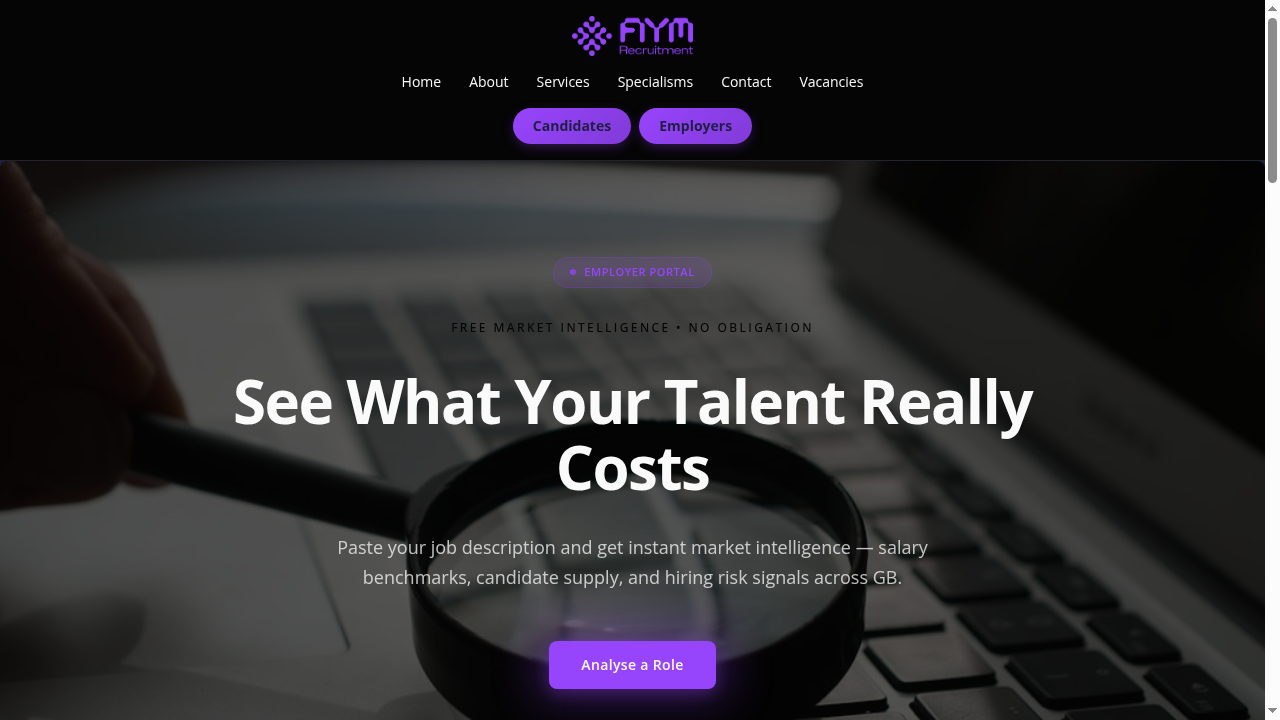
The same section structure as the candidate journey, with employer-focused content: • **Landing Hero** — headline aimed at hiring managers • **Tease & Hook** — previews of the salary, supply and risk insight they'll get • **Sample Result** — analysis metrics behind a blur • **Trust Signals** — confidentiality and no-commitment reassurance • **Conversion CTA** — a secondary prompt All copy is editable inline under **Contents**, and the styling follows your theme.
The employer journey
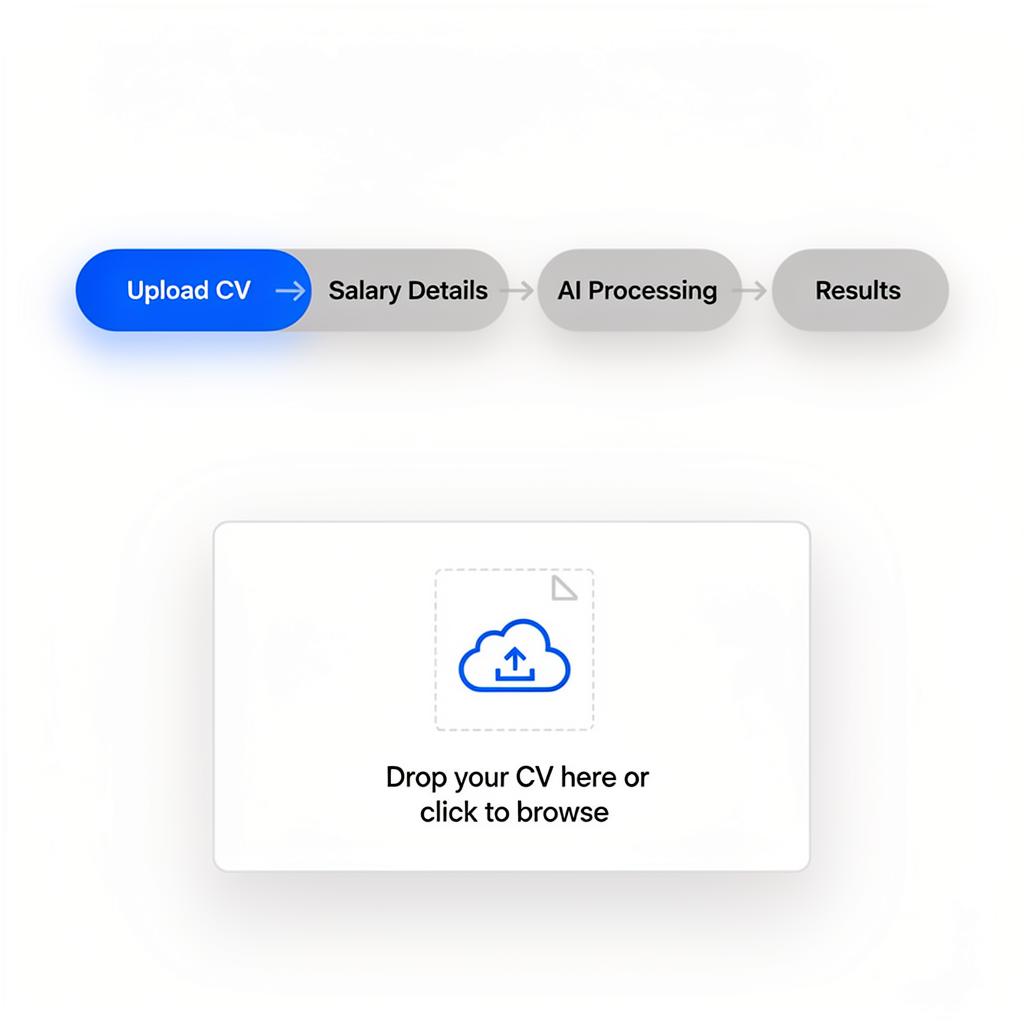
Same inline flow as the candidate well: 1. **Submit role** → Job title, description, salary range, company info 2. **AI processing** → Market intelligence generated 3. **Results** → Hiring insights rendered inline 4. **Talent snapshot** → Matched candidates from your pool (if available) The talent snapshot is unique to employer wells — it shows AI-ranked candidates and lets employers 'Register Interest' to capture leads.
Results and lead capture gate
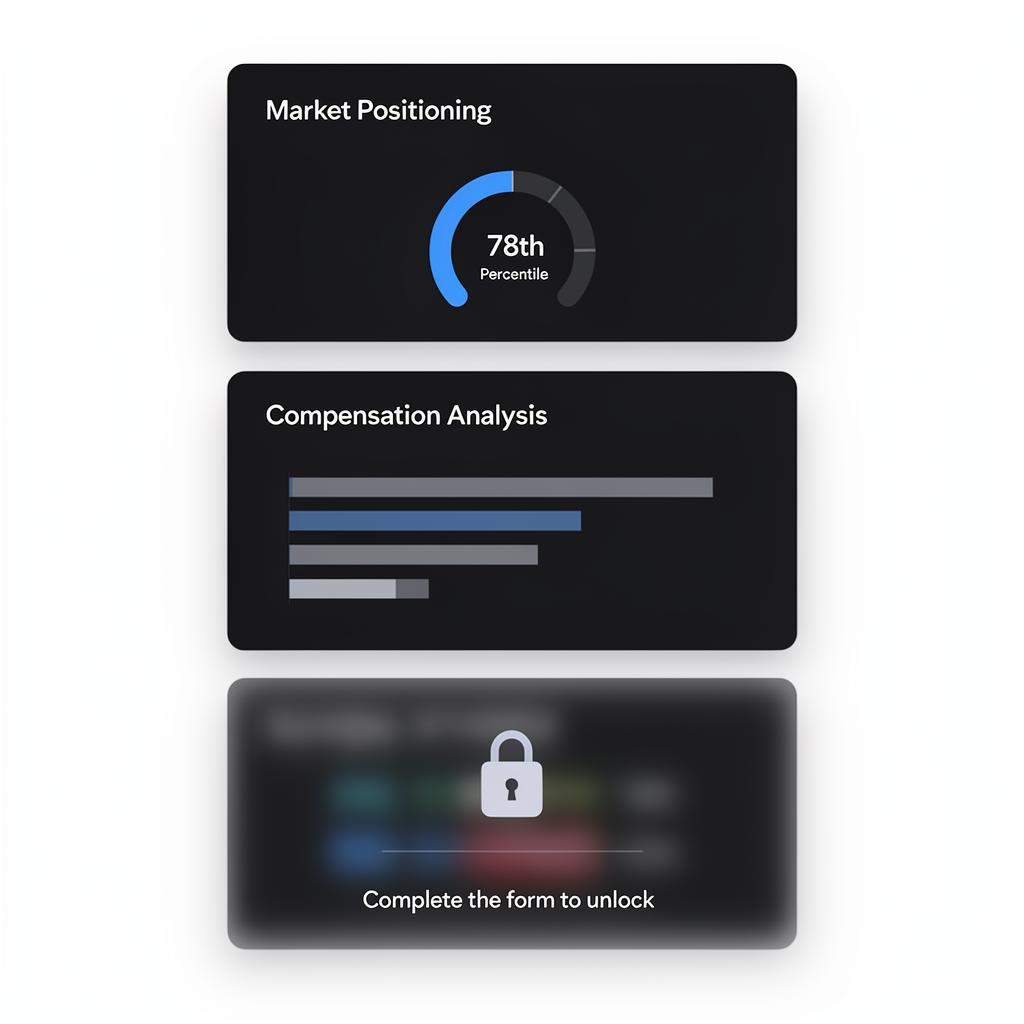
The employer journey has a **mid-page capture form** that the candidate journey doesn't: **Free sections:** Role Appeal, Talent Supply, Hiring Timeline, Spec Score, Hiring Risks, Action Plan **Premium Gate** → full name, work email, phone (creates an employer lead) **Premium sections, after the gate:** Salary Range, Pool Depth, Competitive Pressure, Retention Risk, Spec Improvements, Sector Health The gate creates a preview, capture, premium sequence.
The gate form captures qualified hiring leads. Position it after four to six free sections that demonstrate value.
Talent Snapshot
After the results, employers reach your **Talent Snapshot** page, which showcases matched candidates from your own CRM records — anonymous by default. Employers register interest from there, which creates a lead and writes back to your CRM if one is connected. It only appears when you have candidates in your data. Redsun never generates candidates to fill it.
See the 'Talent Snapshot' article for how the page is built and what each section shows.
Guide complete
You've covered all 5 steps. Check out the related guides below.
Still need help?
Our support team is here to assist you.