
Traffic Engine — Tracked Consultant Links
Give every consultant their own tracked links, then work from one page.
Open the Traffic Engine
Go to **Growth** → **Campaigns**. The page is headed **Traffic Engine**: set it up once, then work from a single table of consultants and channels.
Growth campaignsRun the setup wizard
First time through, a five-step wizard walks you across: 1. **First, sync your CRM** — the consultant list comes from your CRM, so this has to be connected. 2. **Are these the right consultants?** — confirm who's included. 3. **Have we got their sectors right?** — assign a sector to each consultant so their reports are relevant. Optional. 4. **What are your main distribution channels?** — Email Signatures, WhatsApp, LinkedIn, Slack, SMS, Direct Link. 5. **What type of reports are you interested in?** — industry news, salary guides, new jobs, candidate trends.
Sector assignment is what makes each consultant's weekly report worth sending. Skip it and everyone gets the same generic content.
The consultant table
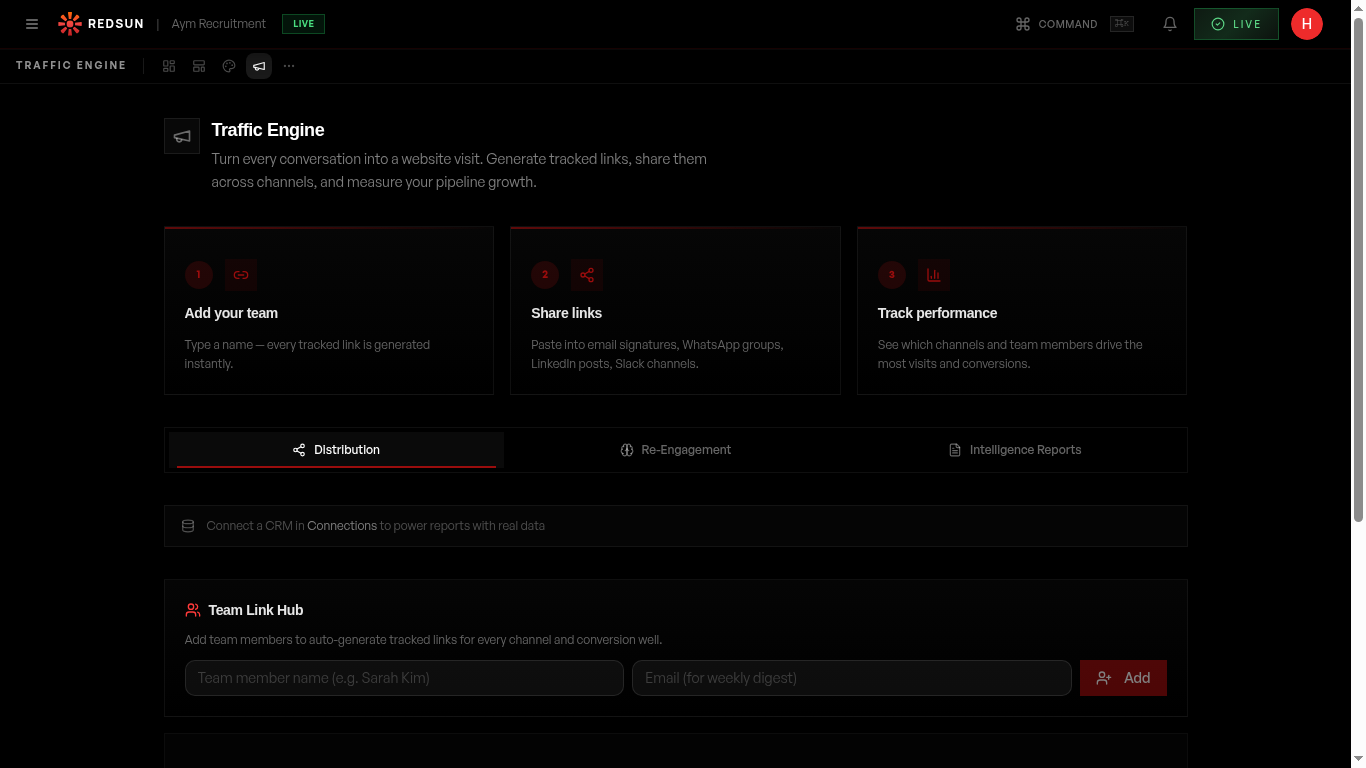
After setup you get a table with one row per active consultant and one column per channel you chose. Each cell holds that consultant's tracked link for that channel — click to mint or copy it. Every click is attributed to the right person and channel.
Distribute the links
Consultants use their own link in the channel it was minted for: the Email Signatures link in their signature, the LinkedIn link in their posts, and so on. Because each link is unique to the consultant and the channel, the attribution holds without anyone having to tag anything by hand.
Email signatures are the highest-leverage channel here. It's passive traffic your team is already generating and currently not measuring.
Adding consultants
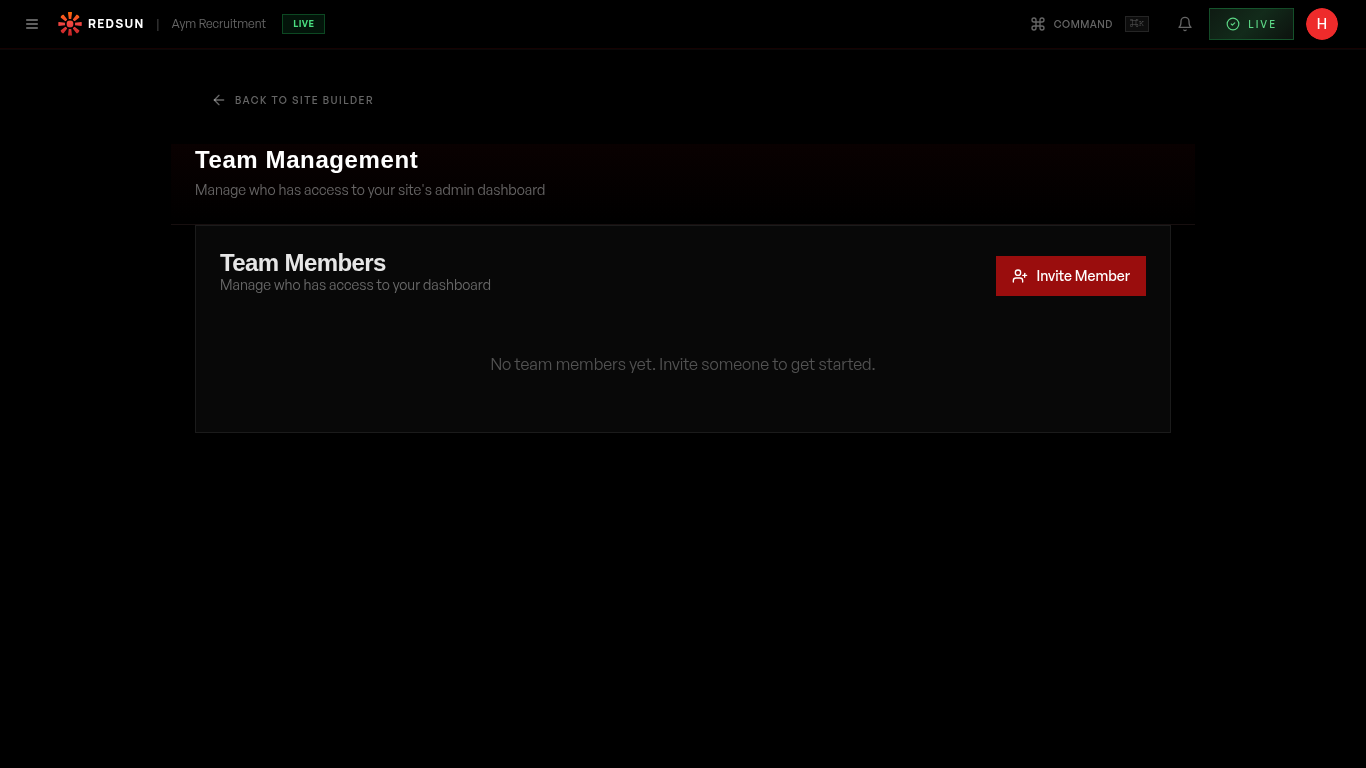
Consultants sync from your CRM. You can also add and edit them under **Settings** → **Team** → **Consultants**. New consultants appear in the table on the next load.
Team settingsMeasure it
Traffic from these links shows up under **Growth** → **Analytics**, and the leads it produces under **Growth** → **Results**. Compare consultants and channels there rather than in the Traffic Engine table, which is a distribution surface rather than a reporting one.
Guide complete
You've covered all 6 steps. Check out the related guides below.
Still need help?
Our support team is here to assist you.