
Flare+3 min
Job Performance Table
See how individual job listings perform on your portal.
1
Access job analytics
redsunplatform.com
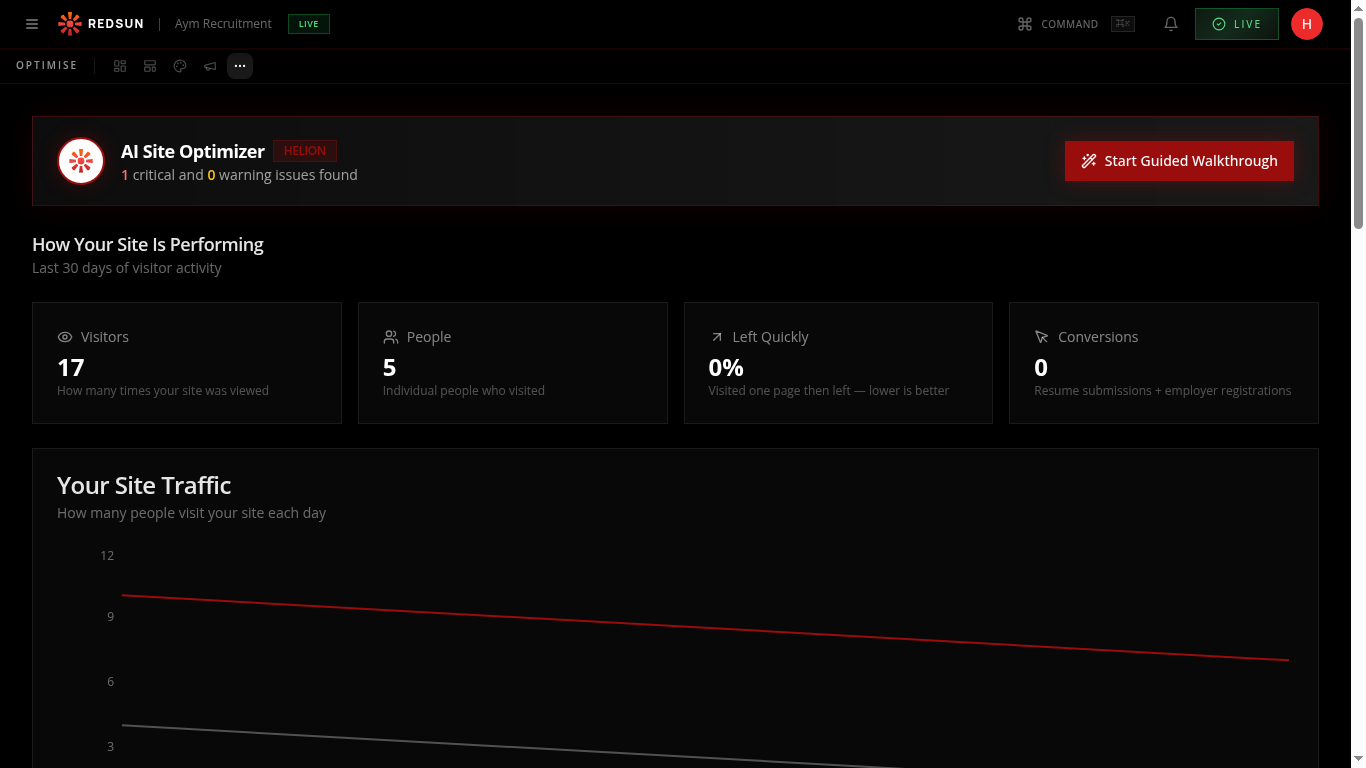
Go to **Growth** → **Analytics** and open the jobs breakdown. Page views for job pages come from GA4 and are joined to your roles on the page path; applications come from Redsun's own records.
2
Featured vs. standard
redsunplatform.com
Compare views and applications across your roles to see which listings pull and which stall. Featuring a role gives it prominence on the board, which is worth reserving for the hard-to-fill ones.
3
Optimise listings
redsunplatform.com
Jobs with high views but low applications may have unclear descriptions or salary ranges. Edit the job content to improve conversion.
Guide complete
You've covered all 3 steps. Check out the related guides below.
Still need help?
Our support team is here to assist you.